
Manage your work devices from the Mac in your office.
Pip MDM gives small organisations a place to manage their iPhones, iPads and Macs. Set up the Wi-Fi, send the apps people need for work, and check which devices got the changes. Run it on your own Mac or server.
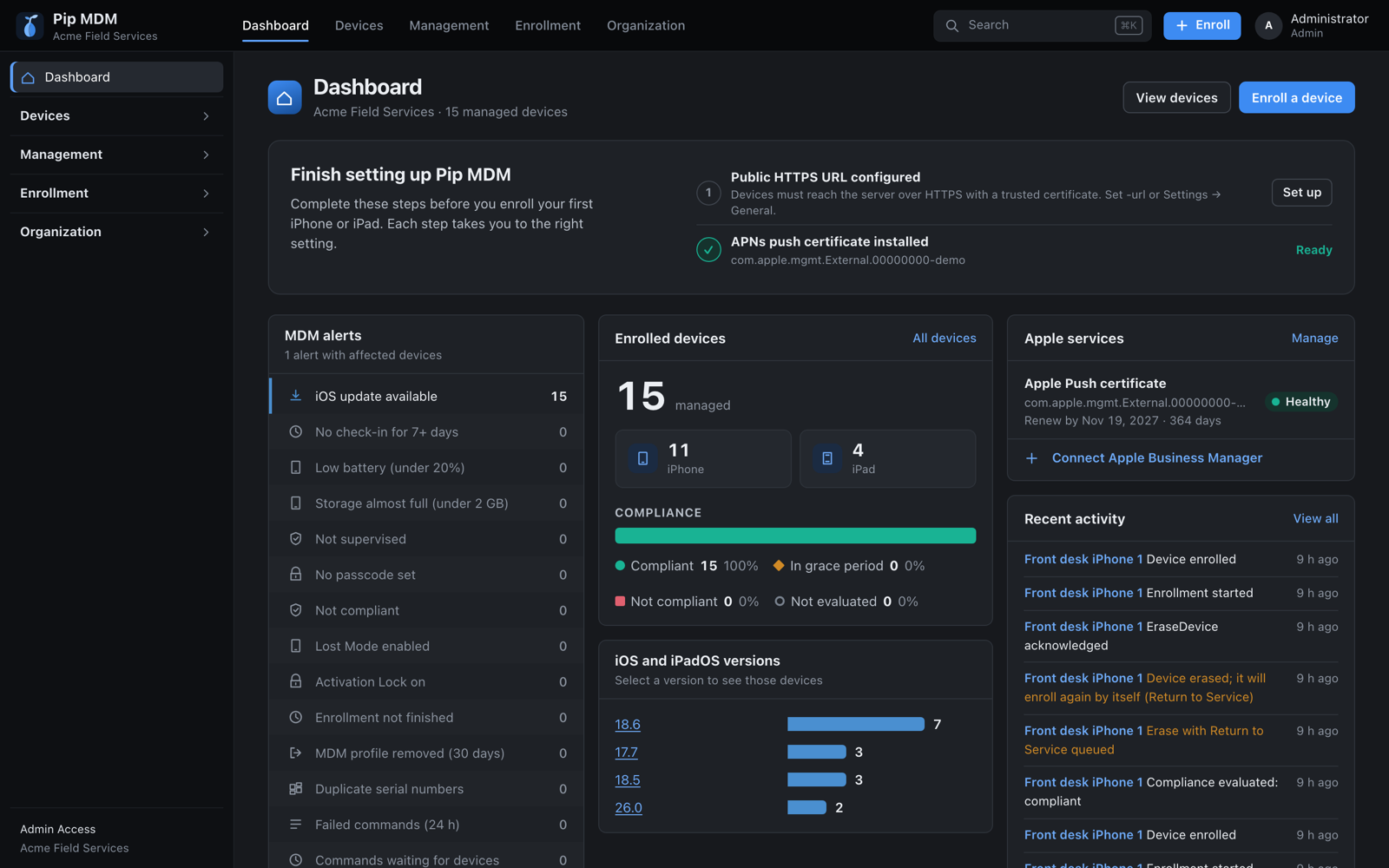
Set up the next device the same way
Save the settings for a shared iPad or a staff Mac. When another device joins the group, Pip MDM knows what to send it.
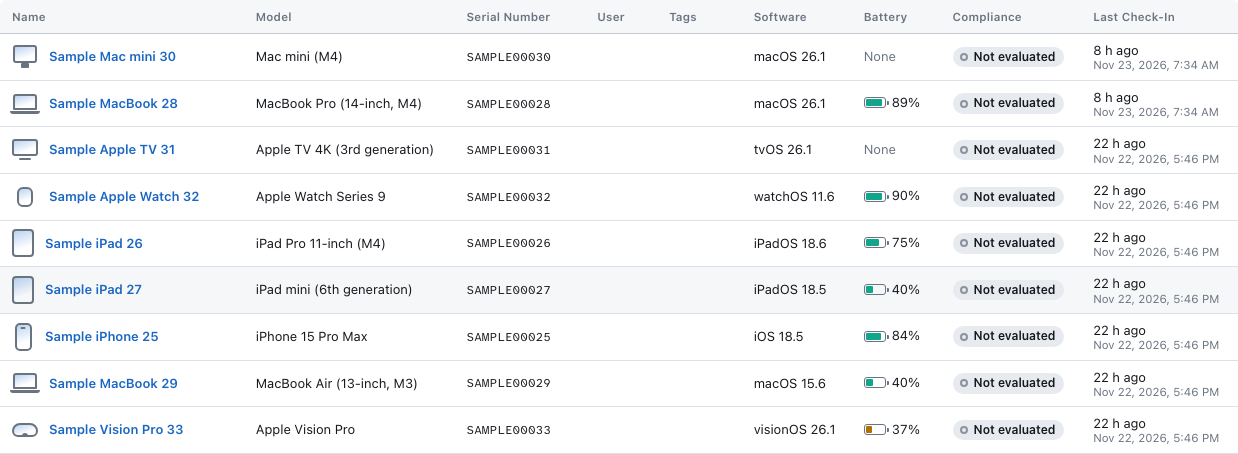
See which devices got the update
Look up a device to see its software version and when it last checked in. Open Activity to check whether an update finished, failed or is waiting for a device to come back online.
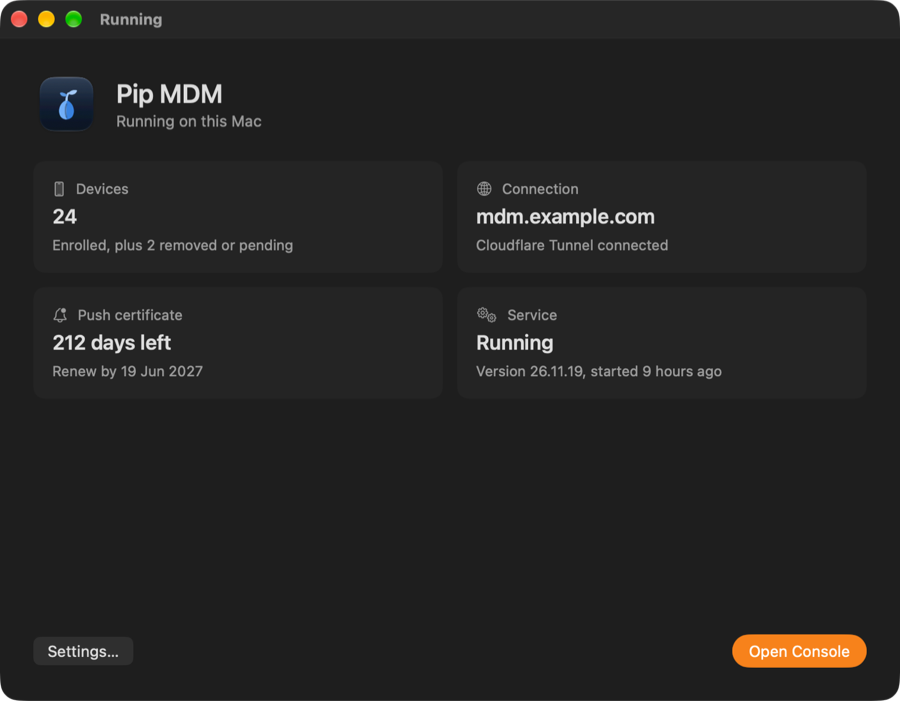
On the Mac that runs Pip MDM, you can open the console from the menu bar.
What you’ll need to enroll devices
Devices need a public HTTPS address and an Apple push certificate. We're waiting for Apple to approve Pip MDM's signing service.
Before you start
Who is Pip MDM for?
Small businesses, schools, clubs and other organisations managing devices they own or are authorised to manage.
Does my Mac have to stay on?
Yes. Devices can check in whenever the Mac is on, awake and connected. The Mac app installs a background service and can keep the Mac awake while it's on power.
What do I need from Apple?
An organisation-controlled Apple Account and a valid Apple push certificate. Apple Business Manager is optional for manual enrollment and is used for automatic enrollment and managed app licences.
Where is my data?
Your device records are stored on your Mac or server. Pip MDM sends the information needed to operate Apple services and any integrations you enable.
What if I replace the Mac?
Make an encrypted backup in Configuration > Backups and restore it on the new Mac. Move the public address with it so your devices know where to check in.
Which devices can I manage?
iPhone, iPad, Mac, Apple TV, Apple Vision Pro and eligible Apple Watch devices. What you can do depends on the device and how it was enrolled.